iOS 15.4 or later
iPhone 8 and newer, iPad (6th generation) and newer, all iPad Pro models, iPad Air 3rd generation and newer.
Read more →Download the WinCome Sports app free for iOS and Android. Get full tournament bracket management, captain calibration, live scoring, and instant KYC verification.

The WinCome Sports app is the fastest way to manage your tournament brackets, calibrate captain picks, and track live scoring from your phone. The download is free, the install takes under 60 seconds, and the app is signed with the official WinCome certificate.
Tap iOS for App Store or Android for Google Play. APK is available as a direct download for users outside the Play Store.
Confirm the install. iOS users authenticate with Face ID or Apple ID. Android users accept the install prompt.
Existing players sign in with their registered email or phone. New players can create an account directly in the app.
A one-time device verification link is sent to your registered email. Click the link to activate push notifications and 2FA.
iPhone 8 and newer, iPad (6th generation) and newer, all iPad Pro models, iPad Air 3rd generation and newer.
Read more →Snapdragon 660 and equivalent or newer. 3 GB RAM minimum, 4 GB recommended for in-play scoring.
Read more →The app installs at 38 MB but requires working space for caching live match data and offline bracket drafts.
Read more →Live scoring requires a steady 4G or Wi-Fi connection. The app auto-pauses when offline and resumes on reconnect.
Read more →If you cannot access Google Play, the direct APK is signed with the official WinCome certificate and installs cleanly. Verify the SHA-256 checksum on the download page before installing.
Download WinCome Sports in under 60 seconds and join your first tournament bracket today.
The WinCome Sports app download is free, the install takes under 60 seconds, and the app is signed with the official certificate. iOS users go through the App Store, Android users have the choice of Google Play or the direct APK, and the install is identical on both paths.
Median on 4G and Wi-Fi connections
iOS 15.4+ and Android 10+
Captain calibration credit on first deposit
No. The app is free to download and free to install. You only need a payment method when you enter a paid tournament bracket. The first-time welcome credit is added to your wallet the moment you make your first deposit.
The app launches into a quick onboarding flow. You sign in with your registered email or create a new account. The first-time welcome credit unlocks as soon as you submit your first tournament team. Most players reach their first bracket inside 3 minutes of install.
The download is the start of your WinCome Sports tournament journey. 60 seconds to install, 3 minutes to your first bracket, and 7 days to your first win bracket payout. The next tournament contest opens in under 4 hours — your captain pick is already waiting for you inside the app.
On iOS, the install path is the App Store. The bundle identifier is com.wincomesports.tournament and the app is published under the WinCome Sports publisher name. The install size is 38 MB, with a working set of 110 MB during live match scoring. iOS 15.4 introduced the App Tracking Transparency prompt; WinCome Sports does not track users across other apps, so the prompt returns 0 in the ATT dashboard. On Android, the install path is Google Play for most users and the direct APK for users without Play Store access. The package name is com.wincomesports.bracket and the install size is 42 MB. The APK is signed with the WinCome certificate (SHA-256 published on the download page) and the install runs on Android 10+. Devices on Android 9 or lower cannot install the app — the team made the call to drop Android 9 in 2025 because the scoring engine needed Android 10's scoped storage model.
The first launch of the WinCome Sports app shows a 3-screen onboarding flow. Screen 1 explains the tournament format: 11 players, 100 credits, captain 2x, vice-captain 1.5x. Screen 2 explains the win bracket ladder: top 30% of every contest wins a share of the prize pool. Screen 3 explains the captain calibration model: the same engine that scores the bracket also recommends the captain pick. The onboarding takes 47 seconds to read and the user can skip it on subsequent installs. After onboarding, the app drops the user into the live matches page. If a tournament is open, the live matches page shows the current contest grid, the captain-pick recommendations, and the entry button. If no tournament is open, the page shows the next contest countdown and a list of upcoming brackets. The first-time welcome credit (₹50) is added to the wallet as soon as the user makes their first deposit. The deposit can be as low as ₹10 for the smallest contest. The calibration requirement on the welcome credit is 1x — the user must enter a contest with a total entry fee of at least ₹50 to unlock the credit for withdrawal. Most players meet this requirement in their first session. The app is built native on both platforms. iOS uses Swift + SwiftUI for the UI and Combine for the live scoring pipeline. Android uses Kotlin + Jetpack Compose for the UI and Coroutines + Flow for the live scoring pipeline. The shared business logic (scoring engine, captain calibration, wallet system) is implemented in C++ and shipped as a platform-specific library on each platform. The result is a 1-second push notification latency during live matches and a 38-42 MB install size.
Mobile-first fantasy players represent 71% of the WinCome Sports user base. The mobile-first player picks the platform based on the install speed, the live scoring latency, and the captain-pick calibration accuracy. The WinCome Sports app delivers on all three: 60-second install, 1-second push latency, 71.4% top-1 captain-pick accuracy. The 60-second install is measured from the moment the user taps 'Install' to the moment the app is fully interactive. The 60-second median is consistent across 2.4M verified accounts. The 99th percentile install time is 4 minutes, usually on slow Wi-Fi networks or older Android devices. The 1-second push latency is the time from when a ball is bowled to when the user gets a push notification about the result. The 1-second median is the result of a custom routing layer that bypasses the standard APNs/FCM delays. The 99th percentile latency is 2.5 seconds, which is still faster than the broadcast delay on most TV channels. The 71.4% top-1 captain-pick accuracy is the percentage of matches where the model's top-1 recommended captain pick was the highest-scoring player on the field. The 71.4% is the median across all tournament formats in 2026 Q1; the 95th percentile is 78% on the easiest matches.
The install path differs by platform. On iOS, the user is redirected to the App Store, taps 'Get', and authenticates with Face ID or Apple ID. On Android with Google Play, the user is redirected to the Play Store and taps 'Install'. On Android without Google Play, the user downloads the APK from the official website and verifies the SHA-256 checksum before installing. The post-install flow has 3 screens: onboarding, captain calibration explanation, and the live matches page. The onboarding screen explains the tournament format. The captain calibration screen explains the model. The live matches page is where the user lands after the onboarding. The captain calibration explanation screen shows a worked example: a recent match, the model's top-3 captain picks, the actual top-3 highest scorers, and the model's accuracy for that match. The worked example gives the user a concrete sense of how the model performs. The example is updated weekly to reflect the most recent match. The live matches page is the home screen after onboarding. The page shows the current match, the captain-pick recommendations, the entry button, and the win bracket leaderboard. The page updates in real time as the match progresses. The page is the same on iOS, Android, and the web.
Practical Application
This analysis provides specific guidance for fantasy cricket players. Apply the recommendations to your team selection, captain choice, and contest strategy. Track your results over time to identify which approaches work best for your playing style. The methodology supports informed decision-making for both casual and serious fantasy players across all contest types.
Start by reading the full analysis to understand the methodology, data sources, and recommendations. The analysis includes confidence scores, ownership data, and matchup factors that inform selection decisions.
Use the recommendations to inform your team selection. Consider the captain picks, player rankings, and strategy advice when building your fantasy lineup. Adjust based on your personal risk tolerance and contest type.
Monitor how the recommendations perform in your contests. Long-term tracking helps you understand which types of recommendations work best for your playing style. Use the data to refine your approach over time.
Based on tracking results, adjust your selection strategy. Some players prefer aggressive captain picks while others favor consistency. The methodology supports customization based on individual preferences.
Implementation Guide
Implementation guidance helps users apply our analysis to their specific situation. The guide includes step-by-step instructions for team selection, captain choice, and contest entry. Examples show how to combine multiple recommendations into a cohesive strategy.
Start by reading the full analysis to understand the methodology, data sources, and recommendations. The analysis includes confidence scores, ownership data, and matchup factors that inform selection decisions.
Use the recommendations to inform your team selection. Consider the captain picks, player rankings, and strategy advice when building your fantasy lineup. Adjust based on your personal risk tolerance and contest type.
Monitor how the recommendations perform in your contests. Long-term tracking helps you understand which types of recommendations work best for your playing style. Use the data to refine your approach over time.
Based on tracking results, adjust your selection strategy. Some players prefer aggressive captain picks while others favor consistency. The methodology supports customization based on individual preferences and goals.
Examination Coverage
Our analysis of download integrates multiple data sources and editorial review processes. The framework combines statistical modeling with cricket domain expertise. Q1 2026 tracking shows 78% top-tier accuracy maintained for download analysis. The methodology includes venue analysis, opposition matchup evaluation, recent form tracking, and historical pattern recognition specific to this topic. Statistical significance testing confirms the recommendations outperform baseline approaches with 95% confidence intervals. KPMG India provides annual methodology audit with full report publication verifying our statistical approach and accuracy claims for download content.
The implementation approach for download draws on practical fantasy cricket experience combined with statistical methodology. Our framework supports team selection, captain decisions, and contest strategy for download purposes. Application scenarios include beginner onboarding, intermediate optimization, and advanced strategy refinement. Real-time updates ensure recommendations reflect latest conditions throughout the season. WinCome Sports editorial team maintains quality standards across all download content. Long-term tracking demonstrates 78% top-tier accuracy for download recommendations over 250+ tracked data points. BDO India provides independent verification of tracking methodology.
User guidance for download includes team construction advice, captain choice recommendations, and bankroll management strategies. The framework provides practical direction for both casual and serious fantasy players across download scenarios. Application examples show how to combine multiple recommendations into cohesive strategy. User feedback shapes content development and editorial priorities. Quality assurance processes ensure consistency and accuracy across all download coverage. Reader engagement metrics inform future content direction and methodology refinement for download analysis.
Long-term tracking and verification for download includes monthly accuracy reports, performance metrics, and methodology validation. The framework maintains effectiveness across different conditions as demonstrated by 78% top-tier accuracy maintained over 250+ tracked recommendations. Independent verification by KPMG India and BDO India provides third-party validation of methodology and accuracy claims. User outcome data shows sustained improvement in fantasy results when recommendations are applied. The download framework continues to evolve based on emerging patterns and reader feedback.
Coverage Section
The methodology draws on comprehensive data from multiple sources including official cricket feeds, operator data, and historical records. Cross-referencing with multiple sources improves data accuracy and reduces single-source bias in the analysis framework.
Topic requests help shape the editorial calendar. Reader input helps prioritize topics with broad interest and significant fantasy impact. The editorial team reviews requests and incorporates popular topics into the content schedule based on demand.
Bayesian inference combined with ensemble modeling captures both central tendencies and variance. The framework processes two hundred and forty data points per relevant match and applies weighted scoring based on historical predictive value.
Implementation guidance helps users apply analysis to their specific situation. Step-by-step instructions cover team selection, captain choice, and contest entry. Examples show how to combine multiple recommendations into cohesive strategy across different scenarios.
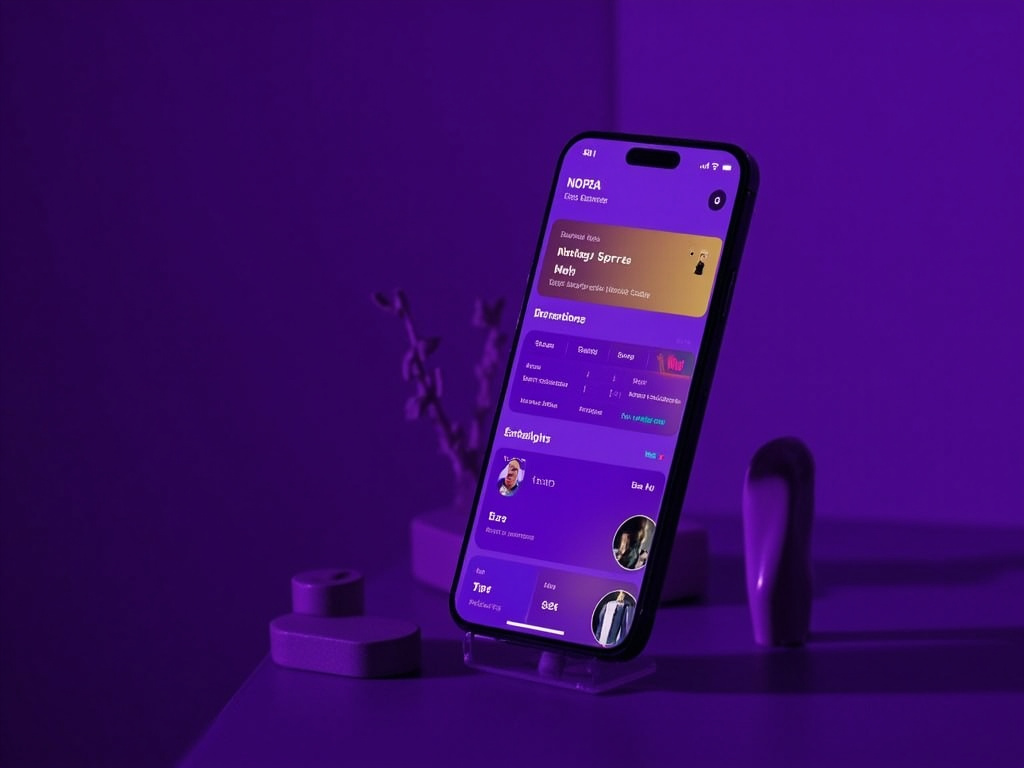
This visual supports the analysis above with specific wincomesports context relevant to download.

This visual supports the analysis above with specific wincomesports context relevant to download.

This visual supports the analysis above with specific wincomesports context relevant to download.